How I Built a Form Building Platform for One of Sri Lanka's Largest Insurance Companies
When a no-code company came to me with a problem involving 200+ KYC forms, the last thing I wanted to do was build each one individually. Here's how I turned that nightmare into a platform and what I learned along the way.
Backstory
One of Sri Lanka's most recognized insurance brands needed to digitize their KYC (Know Your Customer) forms. A no-code/workflow development company had taken on the contract. However, their platform didn't support creating public-facing forms.
Their workaround was to use AI-generated HTML/CSS/JS forms and manually wire them with their API. Initially it worked, but when they needed to create more than 200 forms rapidly, each requiring OTP verification, localization in English, Sinhala, and Tamil, complex validations, and individual API integration, that approach stopped working fast. Maintenance overhead alone was brutal.
Rethinking the Problem
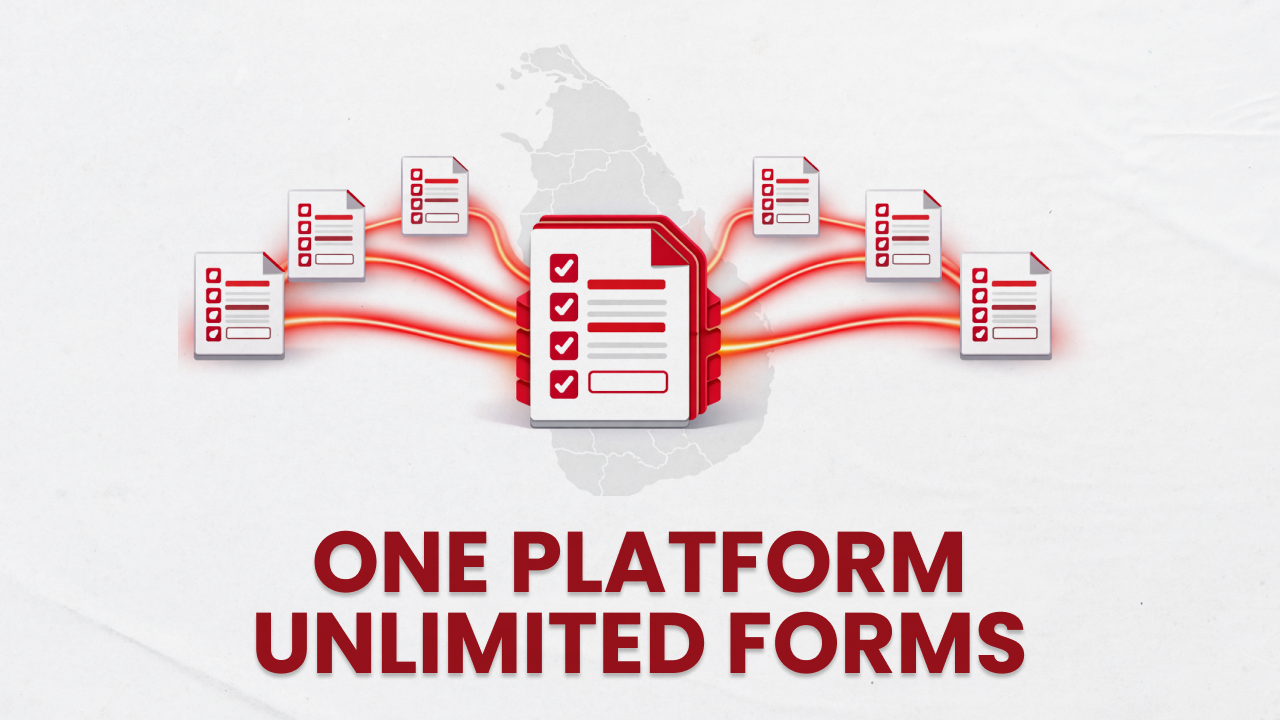
When that workflow-based company came to me, I understood the problem wasn't in designing the forms. It was in manageability and scalability. Instead of thinking of each form as an individual thing, I started thinking of it as a configuration in a single platform.
First Iteration
As a proof of concept, I quickly built an application where instead of writing code for each form, we'd describe the form in a JSON file. That JSON file would include all the fields, layout, metadata, and localization. The application would then read the JSON at runtime and build the form dynamically.
It worked well. A new form was just a new JSON file. Features like OTP validation and layout changes only required updating the JSON. But as the forms grew more complex, a new problem emerged. Not for the system, but for me and the other form developers.
JSON was great, but working with it manually isn't a fun experience. Nested structures, strict syntax, and poor human readability made it tedious fast.
Moving from JSON to YAML
To solve that, I made two changes.
Replace JSON with YAML, and instead of having one file per form, use a single folder per form.
YAML is more human-readable than JSON, and choosing it came with nice perks like the freedom to add comments. The only downside was a slightly longer parse time compared to JSON (~5 ms), but weighed against the developer experience and readability improvements, it's a negligible delay.
Even with YAML, a single form can exceed 500 lines, and managing that means scrolling back and forth forever. So I broke each form down into separate config files and merged them back together during runtime parsing.
Here's how a form is now structured.
/forms/{form-id}/
├── {form-id}.metadata.yml      # Title, description, expiration settings
├── {form-id}.fields.yml        # Field definitions, types, validation
├── {form-id}.layout.yml        # Visual structure of the form
├── {form-id}.localization.yml  # English, Sinhala, Tamil translations
├── {form-id}.otp.yml           # OTP request and verification config
└── {form-id}.submission.yml    # API endpoint, field mapping, transforms
Splitting concerns across separate files lets a form developer navigate directly to the right part just by looking at the filename. I also introduced a new npm command to scaffold a base form, which improved the developer experience even further.
A Closer Look at the Form Engine
From URL to Rendered Form
When a user opens a form link, the form engine checks the URL against the form directory list and retrieves the relevant YAML files. The layout renderer then goes through the layout config and places each element piece by piece. Fields that depend on other values appear automatically as the user interacts with the form.
This whole process happens at runtime. By separating layout and field configs into two distinct files, each form loads much faster. Since rendering happens at runtime, no build step is needed when a form changes.
Multi-Language Support
The platform supports three languages out of the box: English, Sinhala (සිංහල), and Tamil (தமிழ்). Every piece of text in a form, including labels, placeholders, descriptions, and headings, can have a translation defined in the localization config. Users get a language selector in the UI and can switch at any point without losing their progress. If a translation is missing for some reason, the platform falls back to the default value gracefully.
This was one of the features that would have been genuinely painful to manage across 100+ individually built forms. Here, adding a new translated string once means every form that uses it gets it automatically.
OTP Verification
Some forms require users to verify their identity before they can proceed. The platform has a full OTP flow built in. The user requests a code, enters it, and the platform verifies it against an external API. If verification succeeds, any relevant data from the response is carried through the rest of the form session automatically.
The whole thing is configured, not coded. Enabling OTP on a form is a matter of adding an otp.yml file to the form's folder and filling in the API details. Retry logic, cooldown timers, and error messages are all handled by the platform.
Field Mapping and Submission
Real-world APIs can be messy. Field names don't always match what the form uses, and some fields like dates, checkboxes, and radio groups need to be formatted and transformed differently. So I decided the smartest move was to build a submission system with the freedom to do anything to the data.
When creating a form, the form developer defines how each field maps to the API's expected field name, and optionally applies a transformation. I created a few built-in transforms for common cases like date formatting, boolean value formatting, and array handling. But the real power is in the script field. When the built-in options aren't enough, the form developer can write a small JavaScript snippet directly in the YAML.
fieldMapping:
  - from: fullName
    to: fullName
    returnType: string
  - from: date
    to: date
    returnType: string
    transform:
      name: formatDate
      options:
        format: "YYYY-MM-DD"
  - from: someField
    to: someApiField
    returnType: string
    script: |
      if (value === 'yes') return 'Yes';
      return value ? String(value) : '';
That inline script capability is what lets the platform handle the messiest real-world API contracts without touching the platform code itself.
Running Custom Scripts Safely
Letting JavaScript run on a server is a door for security breaches. Even though the platform's form engine backend doesn't store any customer data on its servers, it's still a significant security risk. The scripts in the YAML files come from developers, but the platform needed to ensure those scripts couldn't access packages, system internals, or anything outside the data they're supposed to transform.
The solution was a sandbox approach. Each script runs in an isolated context with only the values it needs explicitly passed in, a one-second timeout to prevent runaway execution, and strict JSON-serializability checks on the output so nothing unexpected can leak out.
const sandbox = {
  value: context.value,
  variables: context.variables,
  // Only safe, explicit utilities. No require, no fs, no process
  String, Number, parseInt, parseFloat,
  Math, Date, Array, Object, JSON, RegExp,
};
const result = vm.runInNewContext(wrappedScript, sandbox, {
  timeout: 1000,
  displayErrors: true,
});
The sandbox gets the field value, any available variables, and a handful of safe JavaScript globals and nothing else. If the script exceeds the timeout, throws, or returns something that can't be serialized to JSON, the submission fails with a clear error rather than silently passing bad data to the API. It's a clean solution to what could have easily become a messy security hole.
Real-Time Redirect After Submission
This was an interesting challenge. After a successful form submission, the client wanted users to be redirected to an external link where they could digitally sign their KYC form. At first this seemed straightforward. Just have the workflow company return the redirect URL in the submission response. But there was a catch. Their platform was fully asynchronous, meaning the external signing link gets generated a few seconds after the submission completes. There was no way for them to return it in the same response.
So the submission API would return a success, but the URL the user actually needed wasn't ready yet. The first idea was polling. The frontend would repeatedly call a GET endpoint until the URL appeared. The workflow company's engineers shut that down quickly since their architecture made polling unusually resource-intensive on their end.
That led me to WebSockets. Here's how it works: the moment the user submits the form, the frontend opens a persistent WebSocket connection and waits. Meanwhile, the backend processes the submission and passes it to the workflow platform. Once the workflow platform finishes generating the signing link, it calls a webhook endpoint I built. That webhook receives the URL and pushes it directly to the user's open WebSocket connection, which triggers the redirect instantly.
To keep this reliable at scale, the WebSocket connections run on AWS API Gateway and the webhook runs as an AWS Lambda function. Both are serverless, so there's nothing to manage and they scale automatically with traffic.
The Key Insight: Platform vs. Product
The biggest win here wasn't any specific technical choice. It was the architectural decision to build a platform instead of a product.
When I implemented OTP verification, every single form got OTP capability on the same day, just by adding a few lines to their YAML. When I fixed a validation bug, it was fixed across all 100+ forms simultaneously. When the no-code team needed to onboard a new form, they wrote YAML, not React.
That's the compounding return of platform thinking. The upfront cost of building the right abstraction is higher, but every subsequent form becomes nearly free.
Results
The platform is now in production, managing 200+ KYC forms for the insurance company. Forms are distributed to customers via email, SMS, or other channels as direct links.
For the no-code company, what used to take days per form now takes hours. For the insurance company, their customers get a consistent, multi-language experience across every single touchpoint, without the maintenance nightmare that came before.
What I'd Do Differently
Honestly, not much structurally. The YAML-over-JSON decision was the right call, and separating concerns into six focused files per form has kept things readable even as the number of forms grows.
If I were starting fresh, I'd probably invest earlier in a visual form preview tool so non-technical stakeholders could verify forms without needing a running dev environment. That's the next logical step for a platform like this.